How to generate a ZuGFeRD e-invoice from the Sales Pack in EspoCRM?
- Go to Invoices or Credit Notes.
- Create a new record or use an existing one.
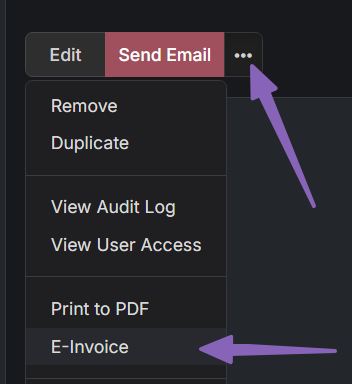
- Open the dropdown menu:
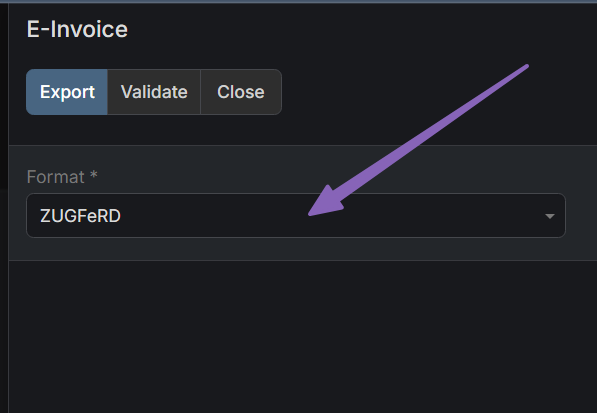
Choose the appropriate format in the popup.
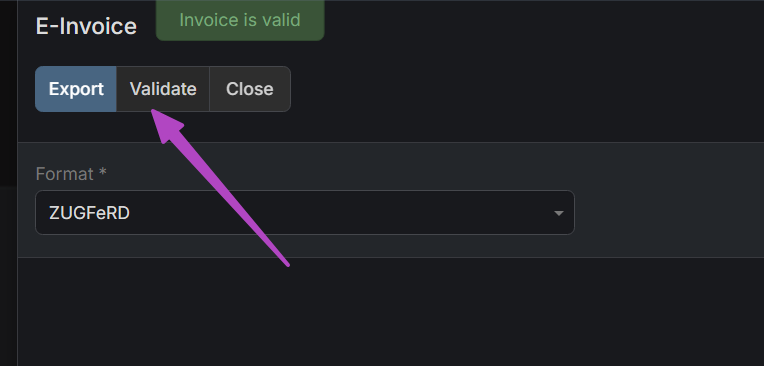
You can validate the structure by clicking the Validate button.
To export the PDF, click the Export button.
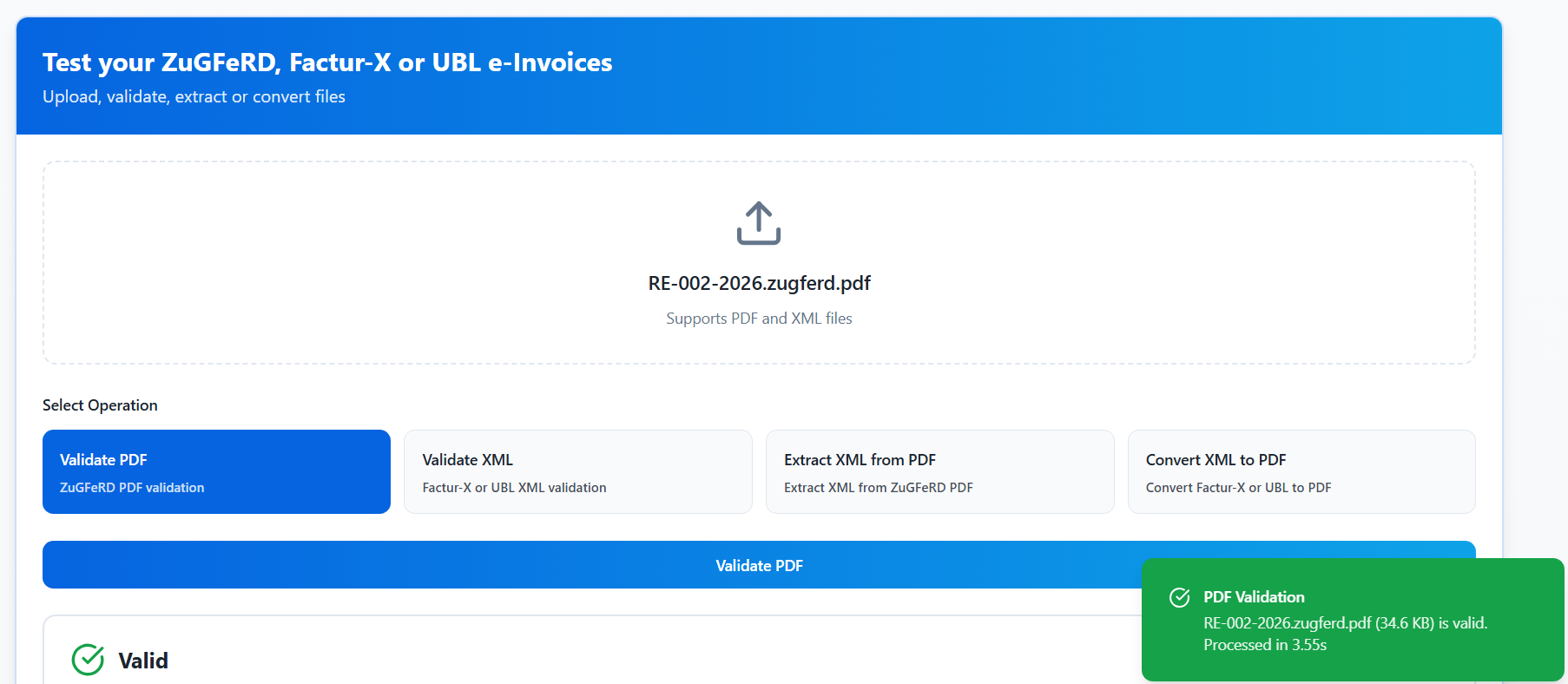
That's all. As you can see below, the generated PDF is successfully validated by an external validator as well.