Time Tracker Settings
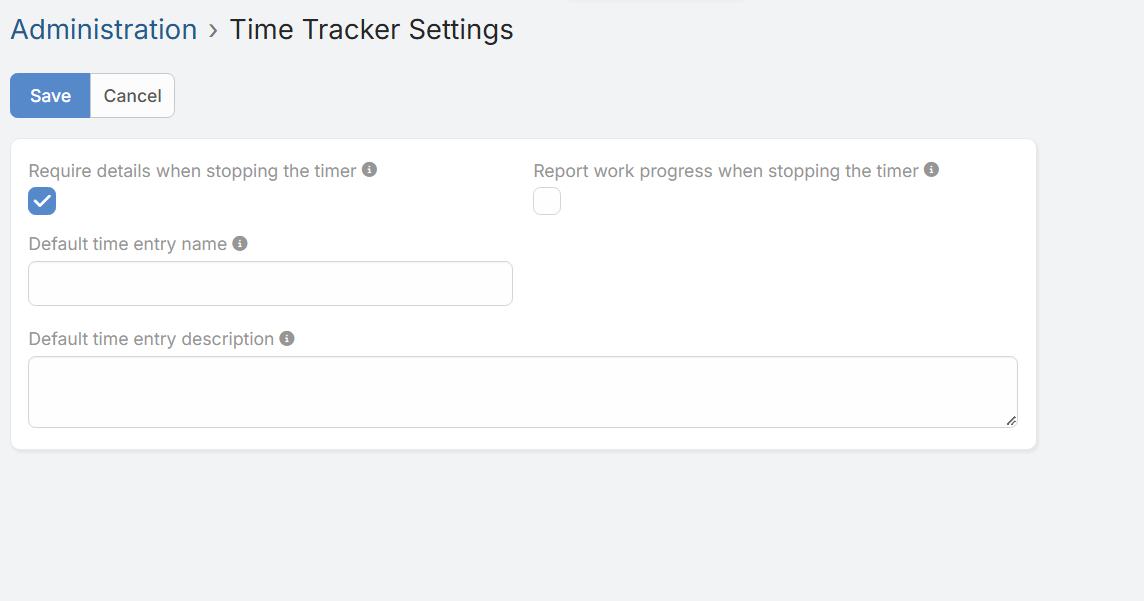
System administrators can configure global behavior under Administration > Time Tracker Settings.
Redirect to settings
Configuration Fields
Require details when stopping the timer
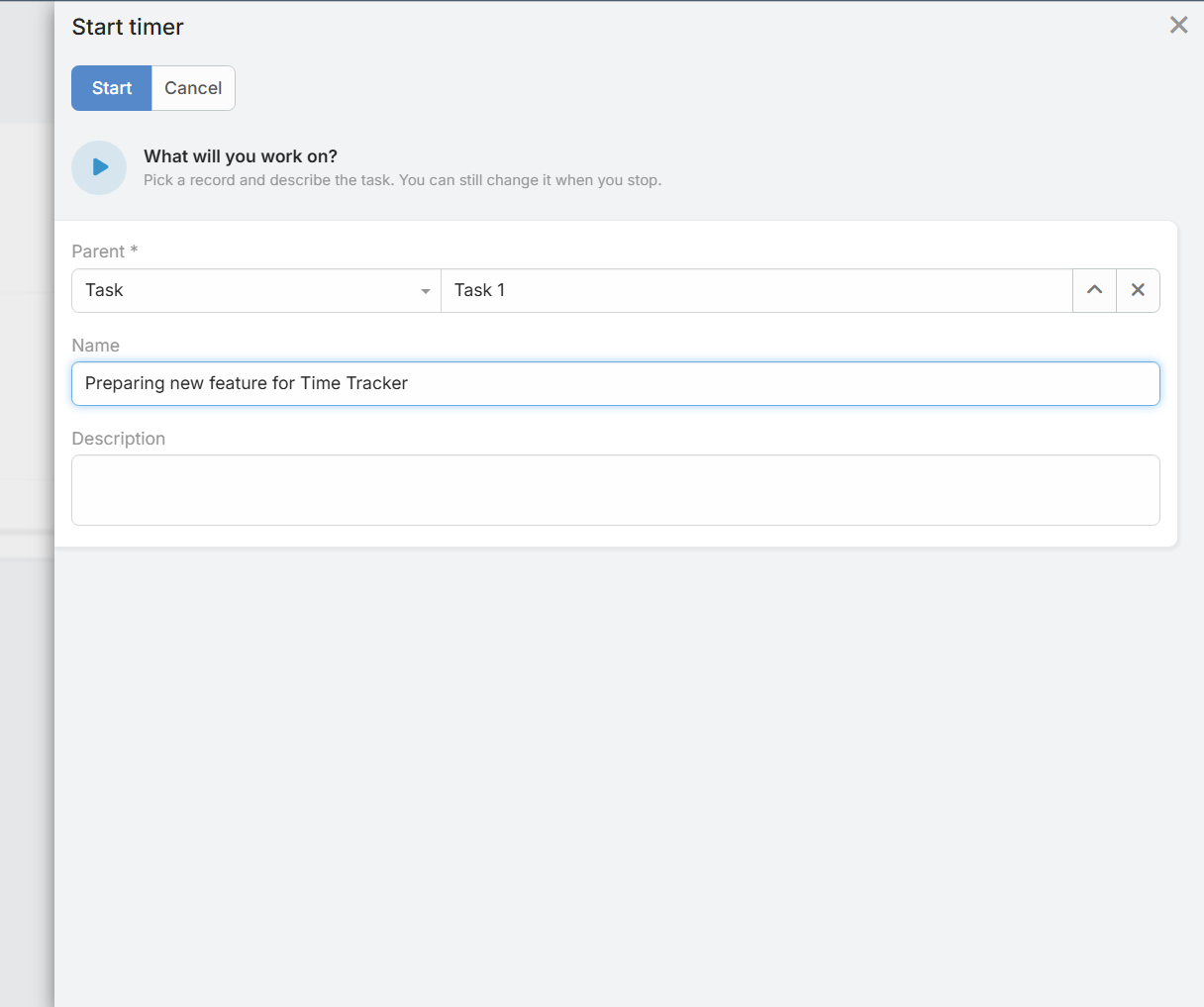
When enabled, users must enter a name and description of the work performed before the timer can be stopped.
Report work progress when stopping the timer
Adds a progress (%) field to the stop panel. The value is saved on the time entry and automatically updates the progress of the related time sheet.
Default time entry name
Defines a default template for time entry names. Leave empty to use the record name.
* Available placeholders: {parentName}, {entityType}, {date}, {time}, {userName}
Default time entry description
Defines a default template for time entry descriptions. Leave empty for no default description.
* Available placeholders: {parentName}, {entityType}, {date}, {time}, {userName}