Dashlets
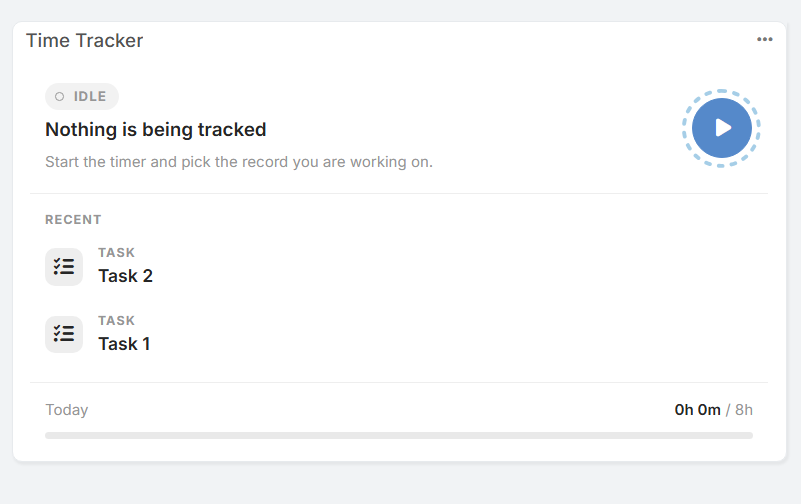
The Time Tracker dashlet allows users to log and monitor work time directly from their EspoCRM dashboard without opening individual entity records.
Features
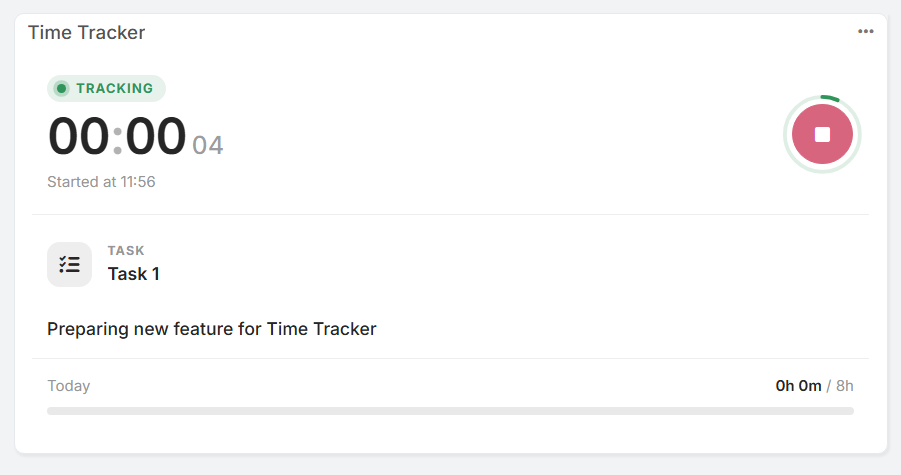
- Quick Control: Start, monitor, and stop the timer directly from the dashboard card.
- Status Indicators: Clearly displays whether the timer is currently active (
TRACKING) or idle (IDLE). - Recent Records: Provides fast access to recently tracked records (such as Tasks, Cases, or Opportunities).
- Daily Goal Progress: Displays a progress bar showing total time tracked today against a configured goal (e.g.,
0h 0m / 8h).
Dashlet Options
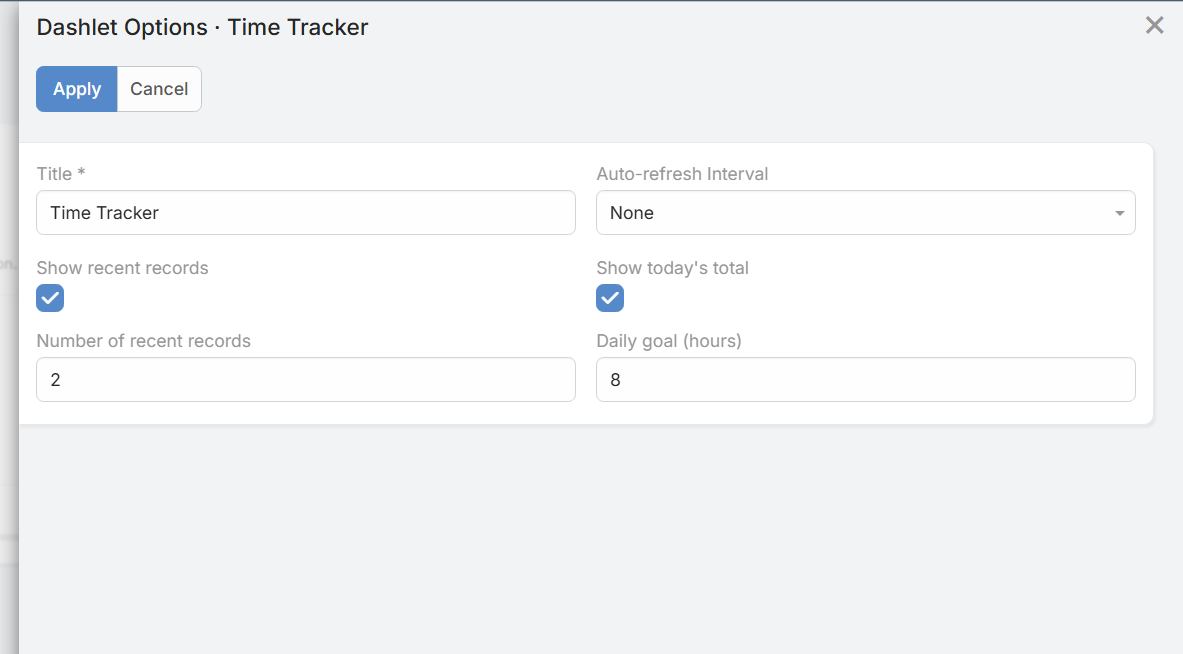
Click the options menu (...) in the upper-right corner of the dashlet card to configure:
- Title: Custom display name for the dashlet on the dashboard.
- Auto-refresh Interval: Frequency for updating dashlet data automatically.
- Show recent records: Enable or disable the list of recent records.
- Number of recent records: Set how many recent items are displayed.
- Show today's total: Enable or disable the daily progress bar at the bottom of the card.
- Daily goal (hours): Set the target number of working hours per day.